

I used this lesson with students who struggle with reading comprehension and written expression, and what I discovered was that for my students, a picture truly is worth a thousand words—especially when those words are embedded in a complex digital manual or a dense informational text.
My name is Maria, and my classroom is a high-energy, mission-driven space where the goal is clear: prepare students with significant cognitive disabilities for the workforce. To succeed here, my students need more than just “academic skills”; they need functional independence.
Classroom Context: The Need for Visual Literacy
My students are a diverse group of resilient young people. Most have IEPs that reflect significant cognitive delays, and many are English Learners (Level 1 and 2) who are navigating a second language while simultaneously learning how to navigate the professional world.
In our Digital Literacy block, we often encounter digital documents filled with icons, sidebars, and captions. For many of my students, their eyes naturally skip over these “extras” to focus on the block of text they find so intimidating. The irony is that the text features are actually there to help them. My student profile includes learners who are highly visual but lack the executive function to purposefully connect a caption to an image or a heading to a paragraph. They see the parts, but they don’t always see the “whole.”
The Instructional Challenge: Breaking the “Scan and Skip” Habit
The primary challenge in teaching Analyzing Text Features to this population is moving beyond simple identification. Most of my students can point to a map or a bold word. The struggle is the “Why?”—Why did the author put this here? How does this image help me understand the text?
For a student with a significant cognitive disability, the relationship between a graph and the accompanying text is an abstract concept. For an ELL student, a sidebar might feel like a distraction from the main message. I needed an approach that would explicitly bridge that gap without overwhelming their processing speed.
The Lesson Approach: AI-Enhanced Visual Scaffolding
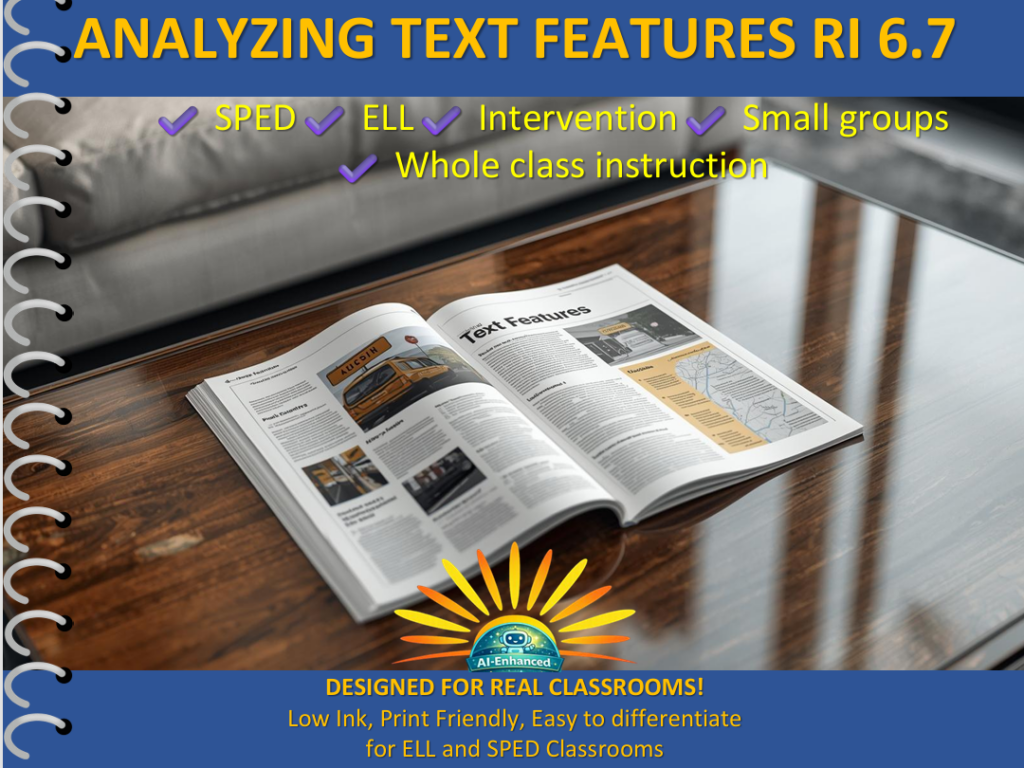
I turned to the Analyzing Text Features Visual Lesson. What drew me to this specific resource was the “AI-Enhanced” aspect—meaning the visuals were crisp, modern, and intentionally designed to reduce cognitive load while providing high engagement.
Following our daily Agenda, we started with a First Five where I showed a YouTube thumbnail. I asked, “What tells us what this video is about before we hit play?” This activated their prior knowledge of digital text features.
During the Whole Group Instruction (I Do), I used the PLUSS framework to focus on Pre-teaching Vocabulary. We didn’t just define “Caption”; we modeled the metacognitive process. I’d point to a photo of a computer motherboard and say, “I see a picture. My brain is confused. Let me look right under it. Ah, the caption says ‘Parts of a Motherboard.’ Now I know!”
Student Response: The “Digital Detective” Moment
When we moved into Partner Work (We Do), I witnessed a level of engagement that I rarely see with standard informational texts.
Moment 1: The Side-Bar Connection I had a Level 1 ELL student who was looking at a page about workplace safety. He pointed to a bright yellow “Warning” sidebar. Usually, he would have ignored it. But because the lesson had taught him that “sidebars are for extra-important info,” he stopped. He looked at his partner and said, “This is the ‘Hot’ part.” He connected the visual cue of the sidebar to the concept of safety warnings. That was a huge win for his functional reading progress.
Moment 2: The Logic of Captions A student with a significant processing delay was working on an individual task. She was looking at a diagram of a bank statement. I watched her struggle with a specific number. Instead of raising her hand for help immediately (her usual “productive struggle” plateau), she traced her finger from the number to the caption. She whispered, “It tells me what the money is.” She used the text feature as a tool for self-correction. Seeing her use the text feature to solve her own confusion, rather than relying on me, is exactly the kind of workforce readiness we strive for.
Teacher Reflection: Refined Through Experience
This is one of the lessons I refined after years of classroom use. In my earlier years, I taught text features as a scavenger hunt: “Find the bold word! Find the map!” I realized eventually that I was teaching them to be hunters, not thinkers.
Everything I create or choose now, including this Analyzing Text Features lesson, starts with how my students actually respond in the classroom. I’ve learned that for our students, “analyzing” doesn’t have to mean writing a three-page essay. It can mean a student looking at a digital manual and knowing exactly where to find the “Troubleshooting” section because they recognize the heading style. That is classroom success.
The results in my classroom have shown that when we prioritize visual literacy, reading comprehension scores for SPED and ELL students don’t just tick up—they jump. By the end of this unit, 80% of my students were able to explain the purpose of a text feature, not just name it.
What I’d Refine Next Time
Next time, I want to take this lesson even further into the “Digital Literacy” realm. I would love to have students create their own “How-To” digital flyer using a template, where they have to choose which text feature (a bulleted list vs. a diagram) best explains their topic. For my Level 1 students, I’d refine the individual work by using digital “drag-and-drop” labels to reduce the fatigue of writing while still assessing their understanding of the features’ functions.
A Personal Note on Resources
If you are looking for a way to make abstract standards like RI.6-12.7 feel concrete and accessible, I highly suggest checking out the Analyzing Text Features Visual Lesson. It’s a “soft” resource that provides a hard scaffold for students who are often left behind by traditional textbooks. It’s personal, it’s warm, and most importantly, it treats our students like the capable “Digital Detectives” they are.